What you need
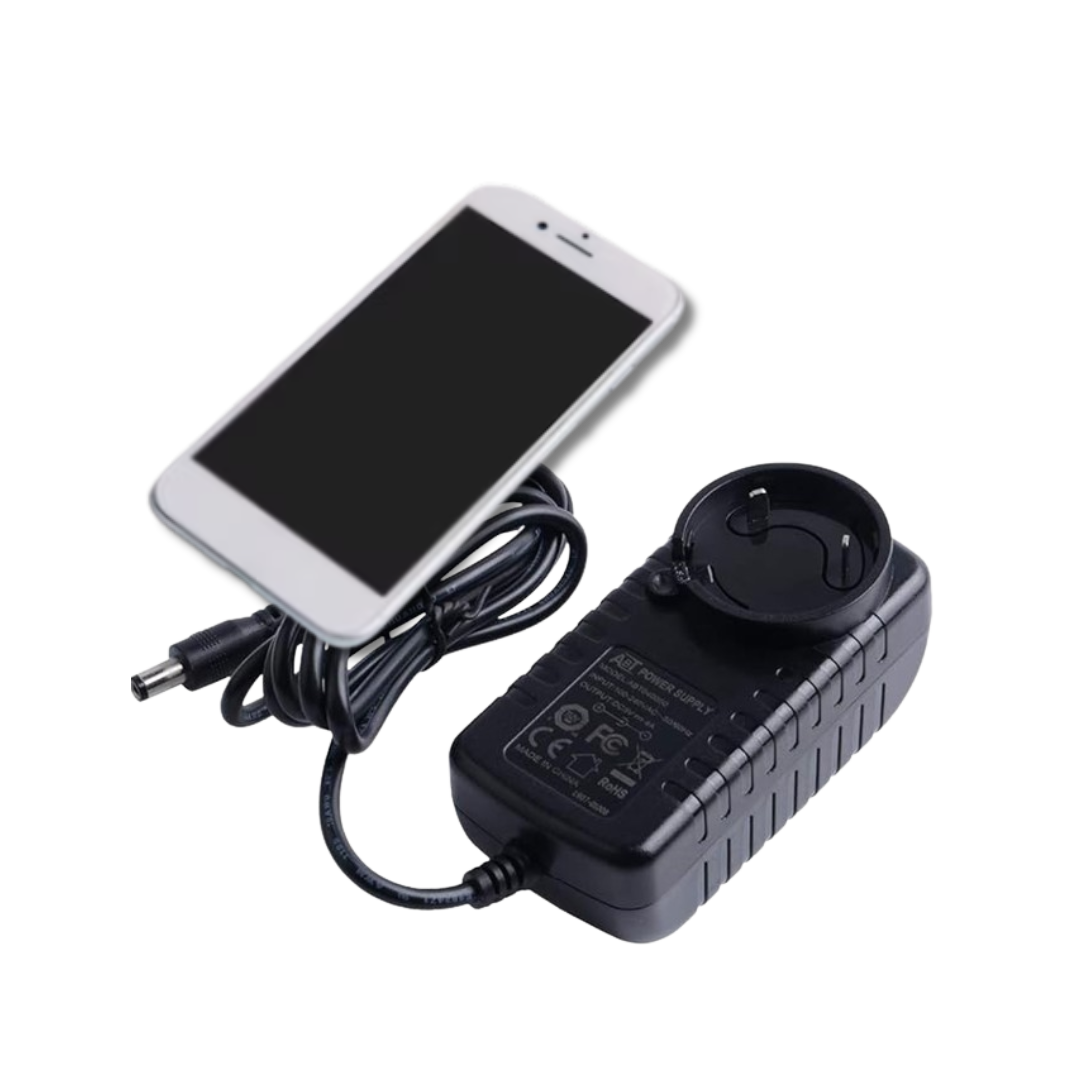
Only the power supply of your miner and a mobile phone.


The fastest way to get any Bitaxe or Nerd*axe miner up and running. All you need is its power supply and a mobile phone.
Only the power supply of your miner and a mobile phone.
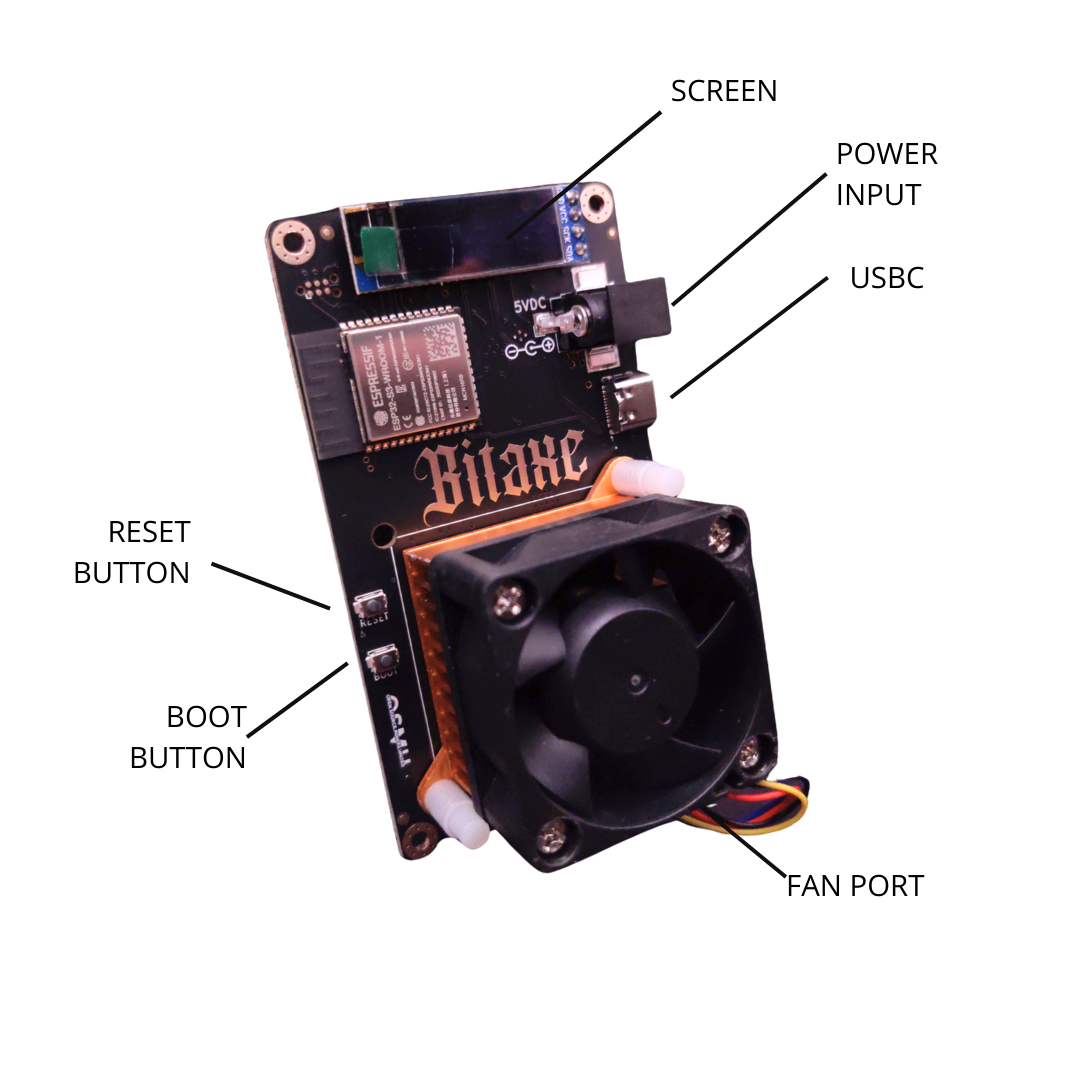
All Bitaxe miners with the standard board form factor, from 201 to 602.
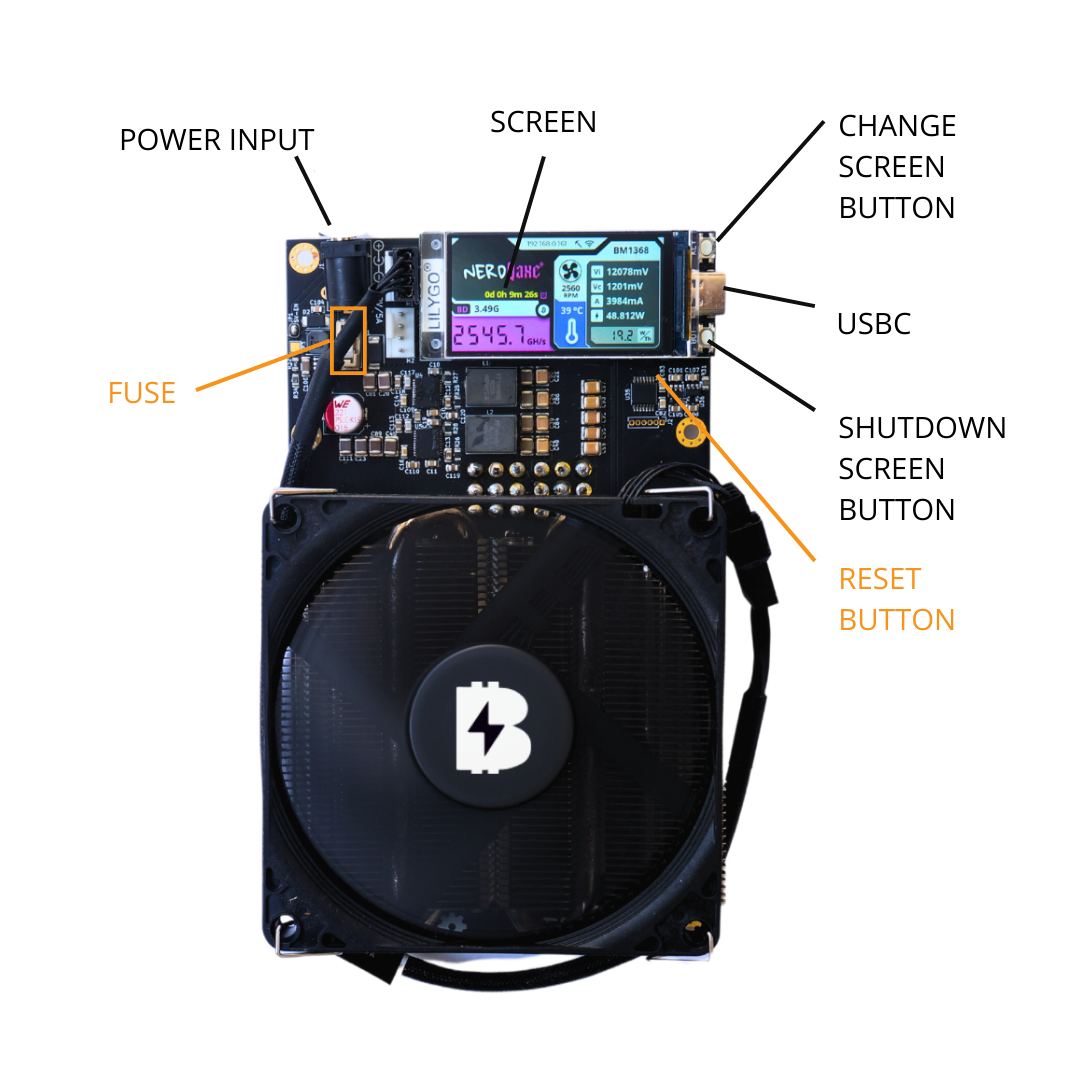
All the nerd-style miners that use the LilyGo T-Display S3 screen.
The steps are practically the same on a Bitaxe, a Nerdaxe or any other of these home miners.
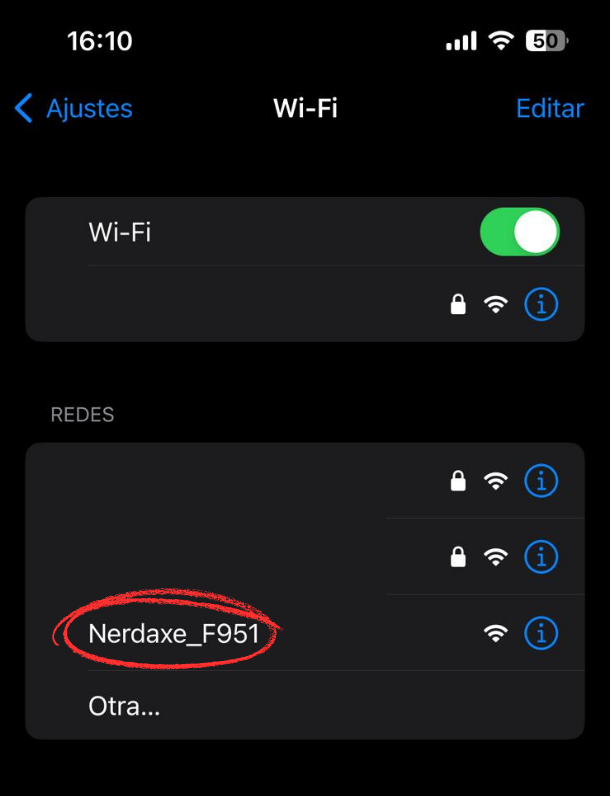
Plug the miner into its power supply. When the screen shows “Connect to ssid: Nerd*axe_XXXX” (Bitaxe_XXXX on a Bitaxe), look for that Wi-Fi network on your phone and connect to it. The setup portal opens by itself.
Use the power supply made for your miner, not any other adapter.
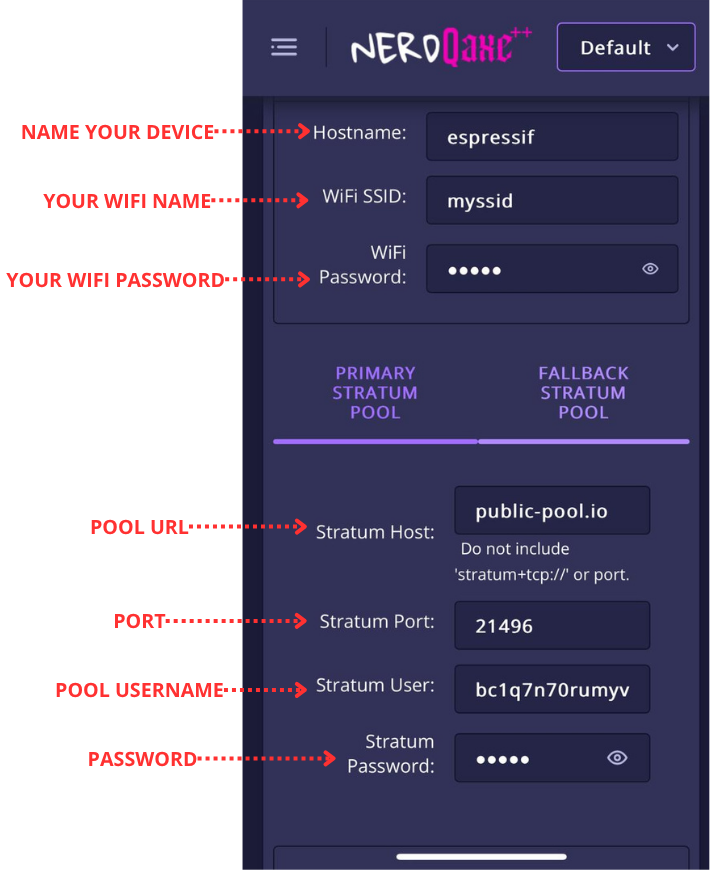
In the portal, open the Network section and fill in:
Click Save and Restart. If everything is right, the miner reboots and joins your home Wi-Fi by itself.
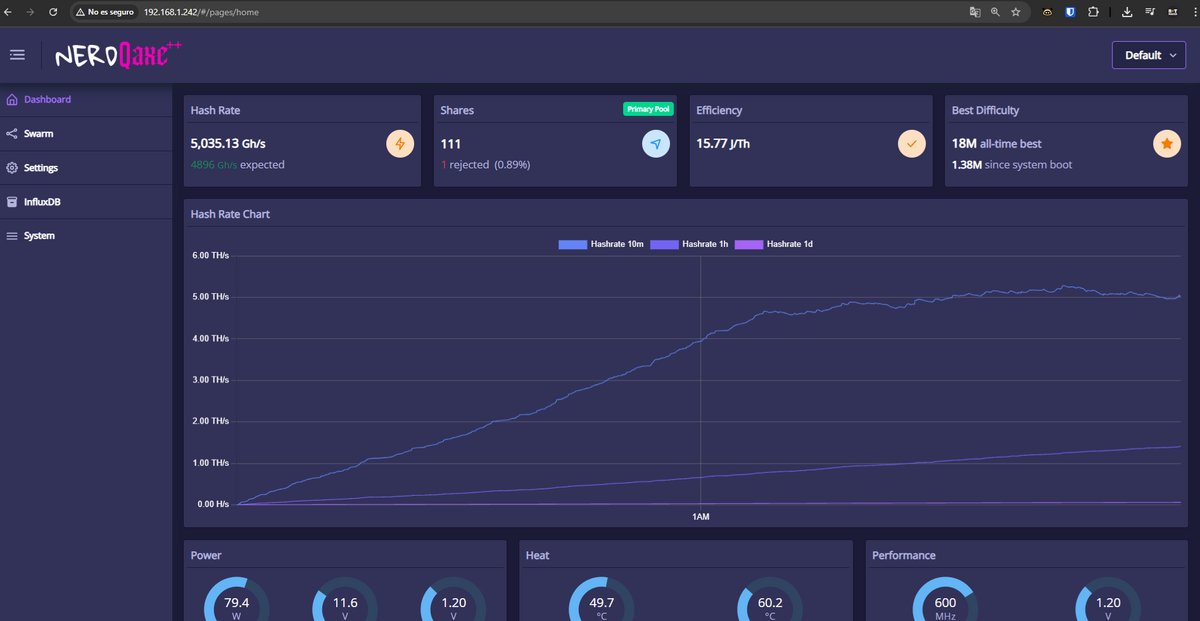
Once it is on your network, the screen shows its local IP address, something like 192.168.1.XXX. Type it in your browser to open the dashboard (AxeOS), where you can:
If you see hashrate in the dashboard, you are up and running. Pool or solo, you are now part of the Bitcoin network. Congrats!
Mine without joining a pool. If you find a block, the whole block reward is yours, but with a home miner the chances are extremely low: think of it as a lottery ticket.
Join a mining pool and get smaller, more frequent payouts for the hashrate you add: steady rewards without having to find a full block, which suits home miners. Braiins and OCEAN pay out over Lightning.